AI Tools for Small Businesses (2026): A Free Stack That Works
A practical guide to AI tools for small businesses and startups in 2026: a free stack for writing, design, social media and automation, when to upgrade, and mistakes to avoid.
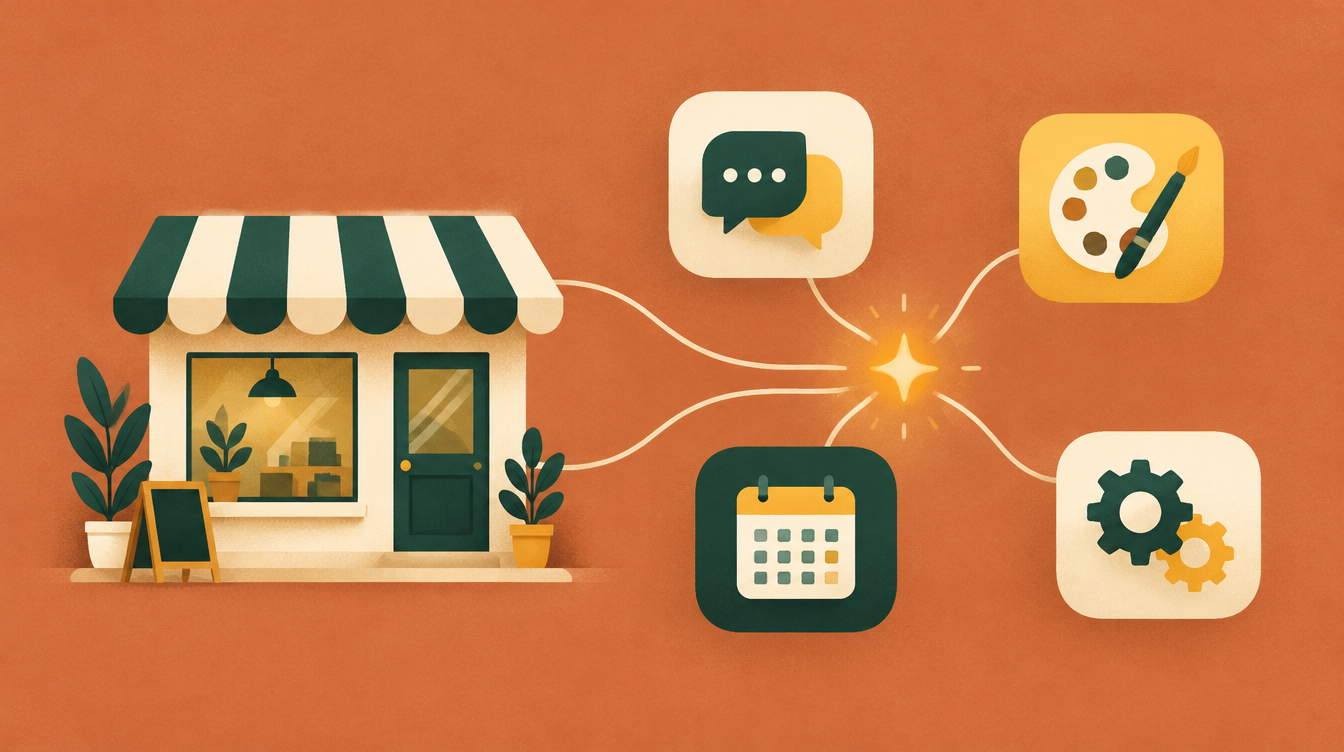
Short answer: most small businesses get real value from AI with a free stack of four things. One AI assistant (ChatGPT, Claude, Gemini or Microsoft Copilot) handles writing and research. Canva covers visuals. Buffer or Meta Business Suite handles social posts. Zapier or Make automates repetitive tasks. Start free, use each tool for one specific job, and only pay when a limit actually gets in your way.
How we compared: we checked each tool's official pricing and product pages on 15 October 2026 and list only what those pages state. Plans and prices change often and can vary by country, so check the linked page before you sign up. Prices are in US dollars unless noted.
The free small-business AI stack
| Job | Tool | Free plan | Paid from |
|---|---|---|---|
| Writing, research, answers | ChatGPT, Claude or Gemini | Yes, all three | ChatGPT Go $8/month; Claude Pro $20/month; Google AI Plus $4.99/month |
| AI inside Word, Excel and Outlook | Microsoft Copilot | Yes, a limited free version | Microsoft 365 Personal $9.99/month |
| Graphics, social images, short videos | Canva | Yes. Templates, 5 GB storage, up to 20 AI uses | Pro $144/year |
| Notes, docs and wikis | Notion | Yes, but Notion AI is a limited trial on free | Full Notion AI from $20/member/month (Business) |
| Scheduling social posts | Buffer or Meta Business Suite | Yes, both | Buffer $5/month per channel; Meta is free |
| Connecting apps, automating tasks | Zapier or Make | Yes. 100 tasks or 1,000 credits a month | Zapier from $19.99/month; Make $12/month |
1. One AI assistant for writing and research
Pick one and learn it well, rather than spreading across several. All have usable free plans:
- ChatGPT has the broadest free features (unlimited text chats; limited uploads, images and deep research). It's a good default.
- Claude is strong with long documents such as contracts, reports and proposals. Its free plan includes web search and file creation, with usage caps.
- Gemini fits teams already on Google Workspace, since it works in Gmail and Docs and its Deep Research helps with competitor and market overviews.
- Microsoft Copilot has a free version for chat and writing. Using it inside Word, Excel, PowerPoint and Outlook needs a Microsoft 365 subscription.
Typical small-business uses: replying to customer emails, drafting product descriptions, summarizing long documents, preparing quotes and proposals, and brainstorming marketing ideas.
Clear prompts get better answers. Our free Prompt Templates include ready-made prompts for common business tasks, the Prompt Cleaner tightens vague requests, and the Token Reducer shortens prompts if you use AI through an API. See also how to reduce AI prompt tokens.
2. Canva for visuals
Canva's free plan gives you a large template library, 5 GB of storage and up to 20 AI uses for generating designs, elements or videos. For most small businesses that covers social graphics, flyers and simple presentations. Pro adds Brand Kits and more AI capacity, which is worth it if several people need to produce on-brand designs.
3. Social media: schedule, don't scramble
Batch your posts once a week and schedule them. Buffer's free plan supports three channels with ten queued posts each. Meta Business Suite is free for Facebook and Instagram and also gives you one inbox for messages. Our comparison of social media scheduling tools covers the options in detail, and the Social Media Post Formatter adapts one message for each network.
4. Automation: Zapier or Make
Automation tools connect the apps you already use. Typical first automations are sending new web-form leads to a spreadsheet and your inbox, posting new blog articles to social media, or creating a task when a customer emails a certain address. Zapier's free plan includes 100 tasks a month for two-step automations. Make's includes 1,000 credits a month and two active scenarios.
5. Planning projects and specs
When you brief a developer or agency, a clear requirements document saves money and arguments. Our free BRD, PRD and FRD generators turn a short guided questionnaire into a structured first draft you can edit. Not sure which you need? How to write an FRD compares all three.
6. Answering website visitors
If customers keep asking the same questions (opening hours, pricing, availability, how to book), an AI assistant on your website can answer them from your own content at any hour. Disclosure: ChatX is our own product, made by AtomicX. It's a website agent that answers questions from your site content, docs and FAQs, qualifies leads and books meetings. Whatever you choose, make sure it answers only from your own information and hands over to a person when it isn't sure.
Free or paid: when to upgrade
Free plans are enough for most small businesses at the start. Upgrade one tool at a time, when you hit a limit that costs you real time:
- You reach your AI assistant's usage cap most working days.
- You need AI inside the apps your team already uses (for example Copilot in Microsoft 365, or Gemini in Google Workspace).
- Several people need shared brand assets (Canva Pro).
- Your automations need more than two steps or more monthly runs (Zapier or Make paid plans).
A simple test: use only the free plans for two weeks and note every time a limit blocks you. If the list is short, you don't need to pay yet.
Common mistakes to avoid
- Publishing AI output unchecked. AI can state wrong facts confidently. Check names, numbers, prices and claims before anything goes to a customer.
- Pasting sensitive data. Don't paste customer personal data, passwords or confidential contracts into a consumer AI tool. Check its data settings and your obligations under GDPR first.
- Vague prompts. "Write a post about our sale" gets generic results. Give the audience, the offer, the tone and the length.
- Too many tools at once. Adopt one tool for one job, get it working, then add the next.
- Losing your own voice. Edit AI drafts so they sound like your business. Customers notice generic copy.
FAQ
What is the best free AI tool for a small business?
A general assistant such as ChatGPT, Claude, Gemini or Microsoft Copilot covers the most ground, including emails, descriptions, summaries and ideas. All have free versions.
Do I need to pay for AI tools?
Not to start. The free plans listed above cover writing, design, social scheduling and simple automation. Pay when a specific limit slows you down.
Is it safe to use AI with customer data?
Be careful. Avoid pasting personal or confidential data into consumer AI tools, read each tool's data and privacy settings, and check your obligations under GDPR or other privacy laws.
Can AI replace a marketing person?
It can speed up drafting and repetitive work, but it doesn't know your customers, your market or your goals the way a person does. Treat it as an assistant, not a replacement.

With over 25 years of experience in the information technology industry, he is a seasoned software engineer and a certified solutions architect. Regular content contributor for the site.
Connect on LinkedIn