How to Reduce AI Prompt Tokens: The Ultimate Guide
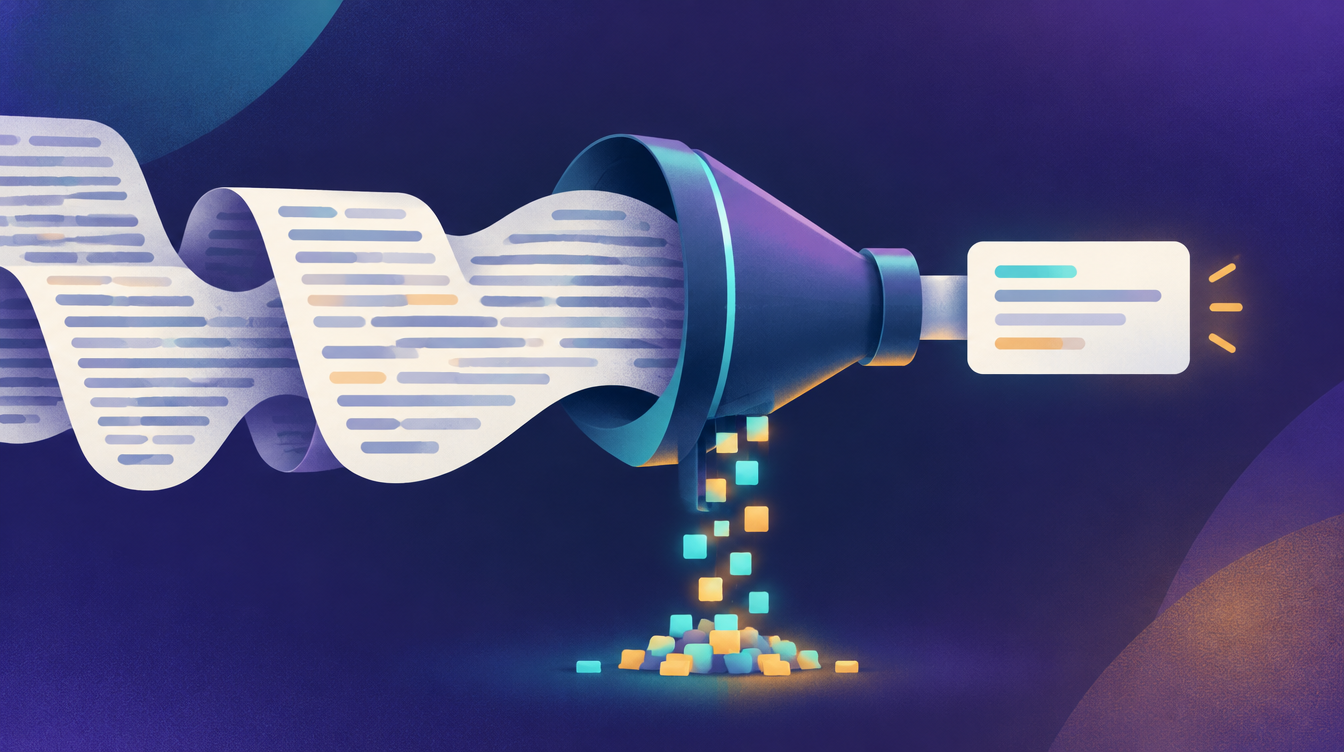
A practical guide to reducing AI prompt tokens: what tokens are, 7 techniques that cut them without hurting output, and free tools to do it fast.
The fastest way to reduce prompt tokens is to cut filler, say each instruction once, send only the context the model needs, and cap how long the answer can be. Most prompts shrink a lot with those four moves alone. If you want to see the effect right away, paste your prompt into the free Token Reducer. It shows the before and after token counts side by side.
This guide explains why tokens matter, walks through seven techniques with examples, and shows what you should never remove.
What a token is (and why it costs you)
AI models don't read words. They read tokens, which are chunks of text. In English, a useful rule of thumb is that one token is about four characters, or roughly three quarters of a word. The exact split depends on the model and the language, so treat that as an estimate.
Tokens matter for three reasons:
- Cost. API pricing is per token, and you pay for both the prompt you send and the answer you get back.
- Repetition. A system prompt is sent with every single request. A few hundred wasted tokens there are paid again on every call.
- Context limits. Every model has a maximum context window. Bloated instructions leave less room for the documents and conversation history that actually matter.
7 ways to cut prompt tokens without losing quality
1. Remove filler and politeness
Phrases like "I was wondering if you could possibly", "please make sure that" and "thank you so much in advance" cost tokens and add no instruction. The model doesn't need to be asked nicely to follow a clear request.
Before: "Could you please help me by writing a short summary of the following article?"
After: "Summarize this article in 3 sentences."
2. Say each instruction once
Long prompts often repeat the same rule in different words ("be concise", "keep it short", "don't write too much"). Pick the clearest version and delete the rest. Repetition rarely makes a model more obedient. A single precise rule usually works better.
3. Send only the context that matters
Pasting a whole document when the model only needs one section is the biggest token leak in most workflows. Trim to the relevant excerpt. For very long material, summarize it first in a separate step, then send the summary.
4. Use compact structure instead of prose
Labels and bullets carry the same information in fewer words than paragraphs:
Task: Write a product description
Audience: small business owners
Tone: friendly, plain English
Length: max 80 words
Must mention: free trial, no credit card
The Prompt Formatter can restructure a rambling prompt into this kind of layout for you.
5. Keep examples short and few
Few-shot examples are powerful, but each one costs tokens on every call. One or two tight examples usually teach the pattern as well as five long ones. Cut each example down to the part that shows the format you want.
6. Control the length of the answer
Output tokens cost money too, and often more per token than input. Tell the model exactly how much you want: "Answer in 3 bullet points", "Max 100 words", or "Return only the JSON". If you're using an API, also set a maximum output token limit as a safety net.
7. Trim conversation history
In chat-style apps, every earlier message is resent with each new turn. After a while, summarize older turns into a short recap and drop the originals. You keep the context and lose the bulk.
Before and after: a real compression
Here is a typical prompt written the way people talk:
Hi! I was wondering if you could please help me out with something. I have a customer email below and I would really like you to read through it carefully and then write a reply to it. The reply should be polite and friendly, and it should also be professional. Please make sure that the reply is not too long, ideally it should be short. Also, please make sure you answer all of the questions that the customer is asking in their email. Thank you so much in advance!
And the same instructions, compressed:
Reply to the customer email below. Tone: polite, friendly, professional. Keep it short. Answer every question they ask.
Using the four-characters-per-token estimate, that drops from about 117 tokens to about 30, with every instruction intact. On a one-off chat that hardly matters. In a support workflow that runs thousands of times a month, it adds up quickly.
Reducing tokens in system prompts and RAG
Two places deserve extra attention because their cost repeats:
- System prompts. Audit them like code. Remove rules that never trigger, merge overlapping ones, and replace long explanations with short, direct rules. Test the slimmer version against the original on the same inputs before you switch.
- Retrieved context (RAG). If you insert search results or document chunks, send fewer and more relevant chunks rather than many loosely related ones. Smaller, better-targeted chunks usually improve answers as well as cost.
Two bigger levers: caching and model choice
Beyond editing the prompt itself:
- Prompt caching. Several AI providers, including OpenAI and Anthropic, offer prompt caching, which charges less for a repeated prompt prefix. Put stable content (the system prompt, reference material) at the start and the changing part at the end so the cache can do its job. Check your provider's pricing page for the current details.
- Use the smallest model that does the job. Simple tasks such as classification, extraction or reformatting often work fine on a smaller, cheaper model. Save the largest model for tasks that really need it.
What you should never cut
Compression goes wrong when it removes meaning instead of words. Keep these intact:
- Constraints: limits, must-include items, things to avoid
- Output format: JSON schemas, headings, lengths
- Edge-case rules: what to do when information is missing or a request is out of scope
- Safety and compliance instructions
After compressing an important prompt, run both versions on a few real inputs and compare the outputs. If quality drops, put back the instruction that went missing.
Free tools that do the work for you
- Token Reducer: compresses a prompt with AI and shows before tokens, after tokens, tokens saved and percentage reduction.
- Prompt Cleaner: removes filler and vague wording to make a prompt clearer. Token savings come as a side effect.
- Prompt Formatter: turns a rough prompt into a structured, Markdown, chain-of-thought or few-shot layout.
- Prompt Length Checker: estimates how long a prompt is before you send it.
A good routine: clean the prompt first, then reduce it, then check the length.
Running an AI assistant on your website?
If you're thinking about putting an AI assistant on your own site, prompt design and context are where most of the setup work goes. ChatX from AtomicX is a ready-made website agent that answers questions from your site content, docs and FAQs, qualifies leads and books meetings, so you don't have to build and tune it from scratch.
FAQ
How many tokens is a word?
In English, about 1.3 tokens per word on average (roughly four characters per token). Short common words are often one token. Long or unusual words, numbers and non-English text can take several.
Does reducing tokens make AI answers worse?
Not if you remove filler and repetition. It can if you remove constraints, format rules or needed context. Compare outputs before and after for any prompt you rely on.
Do spaces and punctuation count as tokens?
Yes. Spaces are usually merged into the following word's token, and punctuation often gets its own token. Messy formatting with many extra spaces or line breaks wastes tokens, which is one reason cleaning text first helps.
How do I get an exact token count?
Each provider uses its own tokenizer, so exact counts differ between models. Estimates like the one in the Token Reducer are usually close. For billing-level precision, use your provider's official tokenizer or token-counting API.
What's the difference between a token reducer and a prompt compressor?
They're the same idea: rewriting a prompt so it uses fewer tokens while keeping its meaning. "Token minimizer" and "AI token saver" are other names for the same kind of tool.

With over 25 years of experience in the information technology industry, he is a seasoned software engineer and a certified solutions architect. Regular content contributor for the site.
Connect on LinkedIn