Free tools for text, code and numbers
Count words, fix broken JSON, add VAT, shorten a prompt. No account needed, and we don't keep what you paste.
usertools.app is a set of small, free tools for everyday jobs with text, code, dates and money. Paste something in, get the answer, copy it out.
What it does
32 tools in 6 categories: Text, Time, Developer, Finance, AI, Social Media. The Word Counter shows words, characters, reading time and an AI token estimate as you type. The JSON Formatter formats and validates JSON and tells you what's wrong when it won't parse. The VAT Calculator adds or removes sales tax, with preset rates for major countries.
Who it's for
What's free, and what happens to your data
Every tool is free and works without an account. We don't store what you enter or the results you get back. The tools run on our server, and a few also call outside services, for example for live exchange rates. Tools marked AI send your text to an AI model through OpenRouter to produce the result. The chat assistant in the corner is optional, and unlike the tools, its conversations are recorded. The details are in our Privacy Policy.
Featured Tools
Word Counter
Advanced analytics for your text including reading time and density.
Current Time In…
Compare current times across major cities and time zones worldwide.
Text Formatter
Clean up pasted text: remove extra spaces and line breaks, change case.
Text to Bullet Points
Convert paragraphs into bullet points, summaries, or key takeaways with AI.
Guides & Articles
Tutorials, how-to guides, and tips to get more out of your tools and workflows.
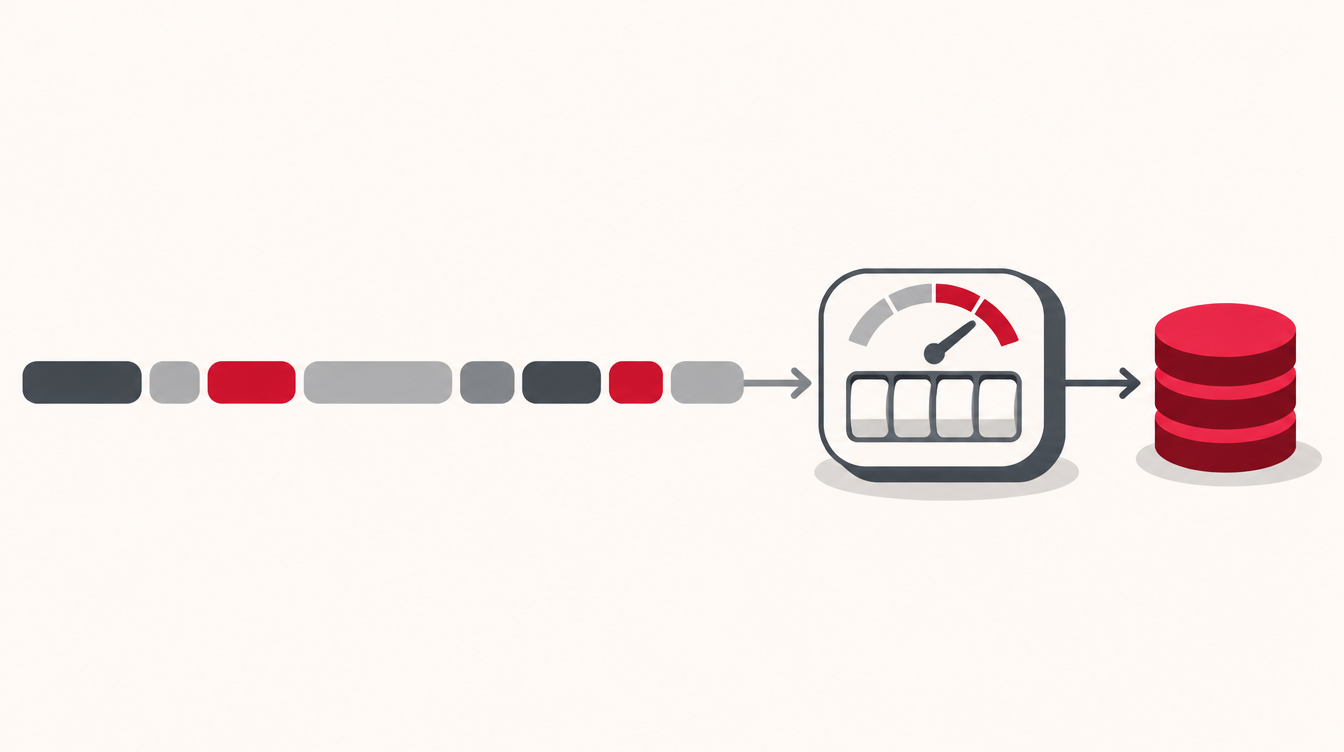
What Is a Token in AI? How to Count Tokens and What They Cost
What an AI token is, how many words fit in 1,000 tokens, how to count tokens for OpenAI, Claude and Gemini, and how token counts turn into cost.
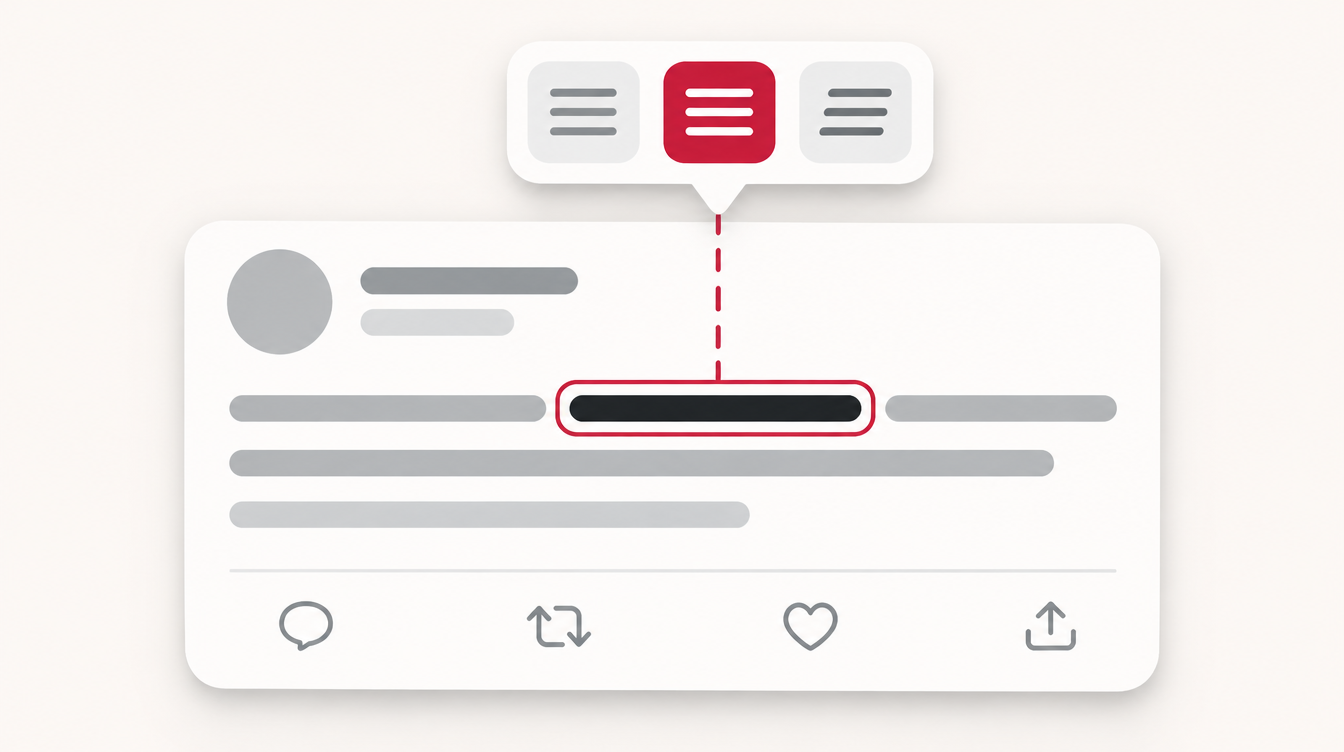
How to Bold Text in a LinkedIn Post (and When Not To)
How to bold text in a LinkedIn post in three steps, how the Unicode trick works, what it does to screen readers and search, and when to skip it.
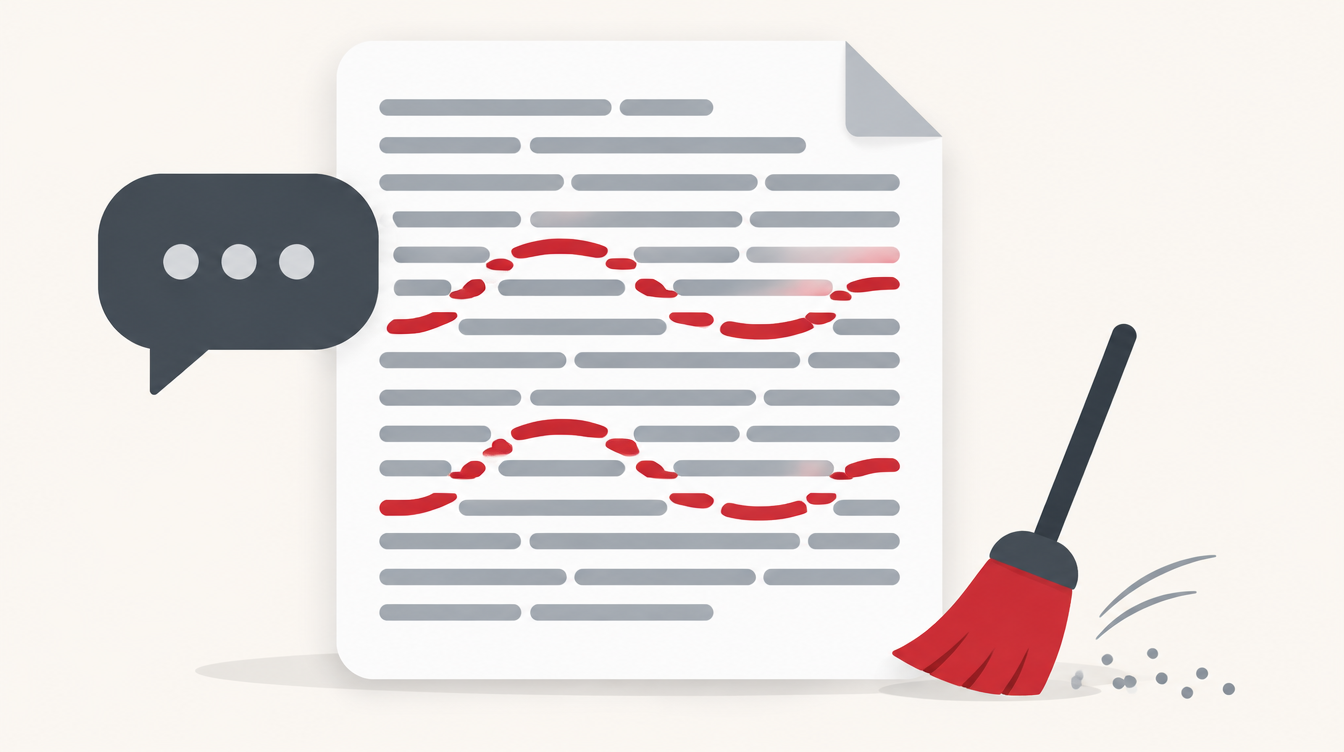
Does ChatGPT Add Hidden Characters? What the Watermark Really Is
OpenAI's text watermark is a pattern in word choice, not hidden characters. What a ChatGPT watermark remover can and can't do, with OpenAI's own numbers.
Why use usertools.app
No sign-up and nothing to install. Open the page and use the tool.
Results as you type
Most tools update while you type or paste. AI tools take a few seconds, because they wait for the AI model to answer.
We don't keep your input
The text, JSON, dates and numbers you enter aren't saved, and neither are the results. Leave the page and they're gone. No tool needs an account.
Works on your phone
Every tool works in a desktop or mobile browser. There's no app or plugin to install.
How usertools.app works
Pick a tool
Browse 32 free tools across 6 categories, or search by what you want to do.
Paste or enter your data
Type or paste your text, code or numbers. Most tools show the result as you go.
Copy and go
Copy the result with one click. Nothing is saved after you leave.