How to Bold Text in a LinkedIn Post (and When Not To)
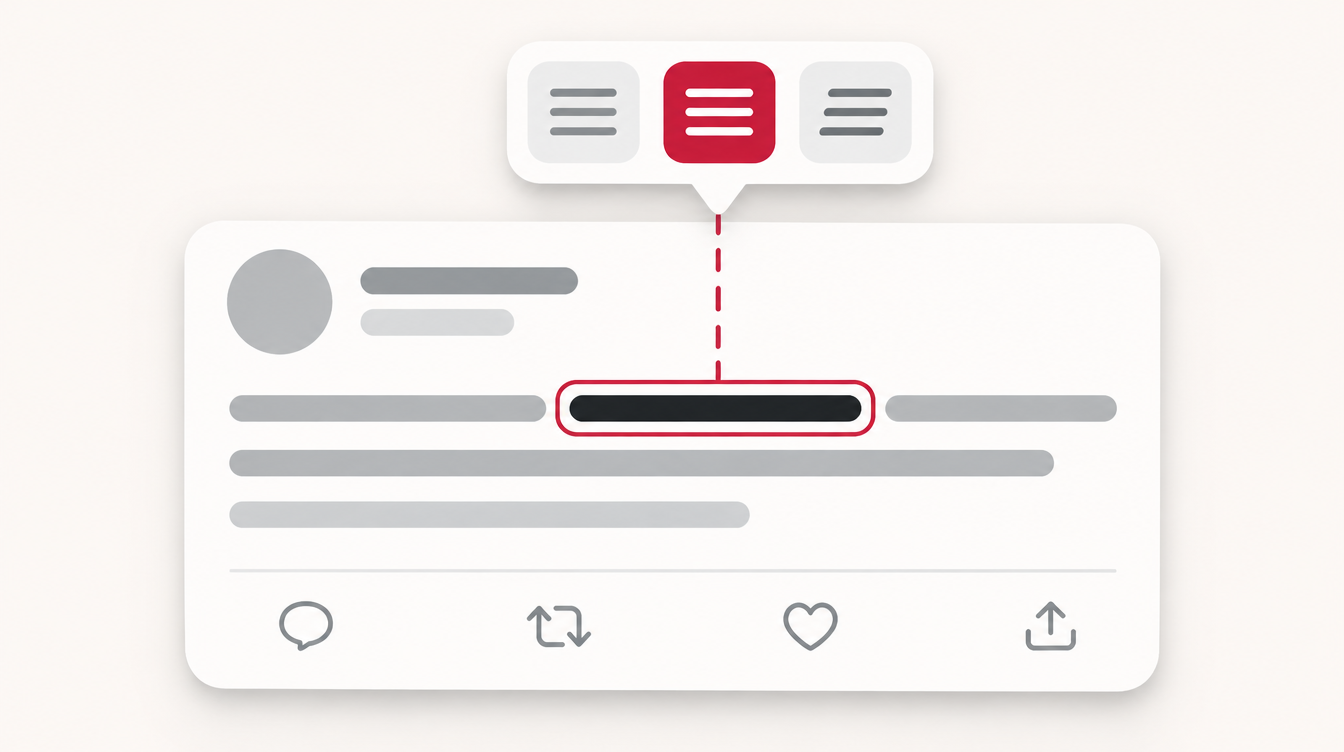
How to bold text in a LinkedIn post in three steps, how the Unicode trick works, what it does to screen readers and search, and when to skip it.
Short answer: To bold text in a LinkedIn post, type the post in a LinkedIn text formatter, select the words, click Bold, then copy the result and paste it into LinkedIn. The "bold" is made of special Unicode characters that look like bold letters. It works, but screen readers and search handle it badly, so keep it to a few words.
This guide covers the steps, what's happening underneath, and when you're better off without it. For everything else about post layout, see how to format text for LinkedIn posts.
How do you bold text in a LinkedIn post?
Use a formatter, because the post box has no bold button to click. Our free LinkedIn Text Formatter does it in three steps, with no sign-up:
- Type or paste your post into the box.
- Select the words you want and click Bold.
- Click Copy, paste into LinkedIn, and check how it looks there before you publish.
The tool page lists what LinkedIn Help says about post formatting and the post character limit, checked on 25 November 2026.
How does bold text on LinkedIn work?
It isn't formatting. The formatter swaps each letter for a different Unicode character that happens to look like a bold version of it, which is why the style survives copy and paste.
That also sets the limits. Only some characters have a styled twin:
| Style | What the formatter does | Limit |
|---|---|---|
| Bold | Swaps A to Z and 0 to 9 for bold look-alikes | Nothing else changes |
| Italic | Swaps A to Z for italic look-alikes | Digits stay plain |
| Underline, strikethrough | Adds a combining mark after each character | The line can look different from one font to the next |
| Accented, Cyrillic or Greek letters | Left unchanged | They have no styled forms |
I post on LinkedIn in English and in Bulgarian, and this is where I hit the limit myself. Cyrillic has no bold forms, so a Bulgarian post stays plain no matter what I click. A name like Renée comes out only partly bold for the same reason.
Can screen readers read bold Unicode text?
Often not. Per Axbom, who shows it in a video demo, writes that screen readers will usually skip the styled text or read out a long explanation of each character. In his demo the screen reader goes silent on the styled words.
That means anything you put only in bold may not reach people who listen to your post. Never put the key fact, a date or a name in styled text alone.
Does bold text hurt how your post is found?
It can. Styled letters aren't the same characters as the ones people type, and the same article notes that search engines won't find text written this way.
It also says the characters can look different from one device to the next, and that some older devices may show question marks instead. So don't style your job title, a product name or any word you'd want to be searchable.
When should you use bold on LinkedIn?
Use it for a short heading line or two or three words of emphasis, and nowhere else. A few bold words can help people scan a post, while whole sentences in bold are harder to read for everyone.
My own rule in English is one short bold line at the top and nothing else. I wasn't sure we should build a bold tool at all, because of the screen reader problem. But people search for one thousands of times a month, so they're going to do it anyway. We built it and put the warning on the tool itself.
Before reaching for bold, try the plain options first:
- Short lines with a blank line between ideas.
- A simple bulleted or numbered list. The LinkedIn Text Formatter adds these too.
- A strong first line, since that's what people see first.
How do you remove bold formatting from a post?
Paste the styled text back into the formatter and click Clear formatting. It maps styled letters and digits back to plain ones and removes underline and strikethrough marks.
To check a post's length afterward, use the Character Limit Checker. Styled letters take more room than plain ones in a character count, so leave some space under the limit.
FAQ
Can you make text italic on LinkedIn the same way?
Yes. Italic and bold italic work like bold, by swapping letters for look-alike characters. Digits have no italic form, so they stay plain.
Does bold text work in LinkedIn comments and headlines?
The characters are plain text, so they can be pasted anywhere text is accepted. Paste and check before you rely on it, because how they look depends on the reader's device.
Why does part of my post stay plain?
Because those characters have no styled form. Accented letters, Cyrillic, Greek and most punctuation are left as they are.
Is my post stored when I use the formatter?
No. The tools run on our server. We don't store what you enter.
Updated November 25, 2026.

With over 25 years of experience in the information technology industry, he is a seasoned software engineer and a certified solutions architect. Regular content contributor for the site.
Connect on LinkedIn