Zero-Width Space (U+200B): What It Is and How to Remove It
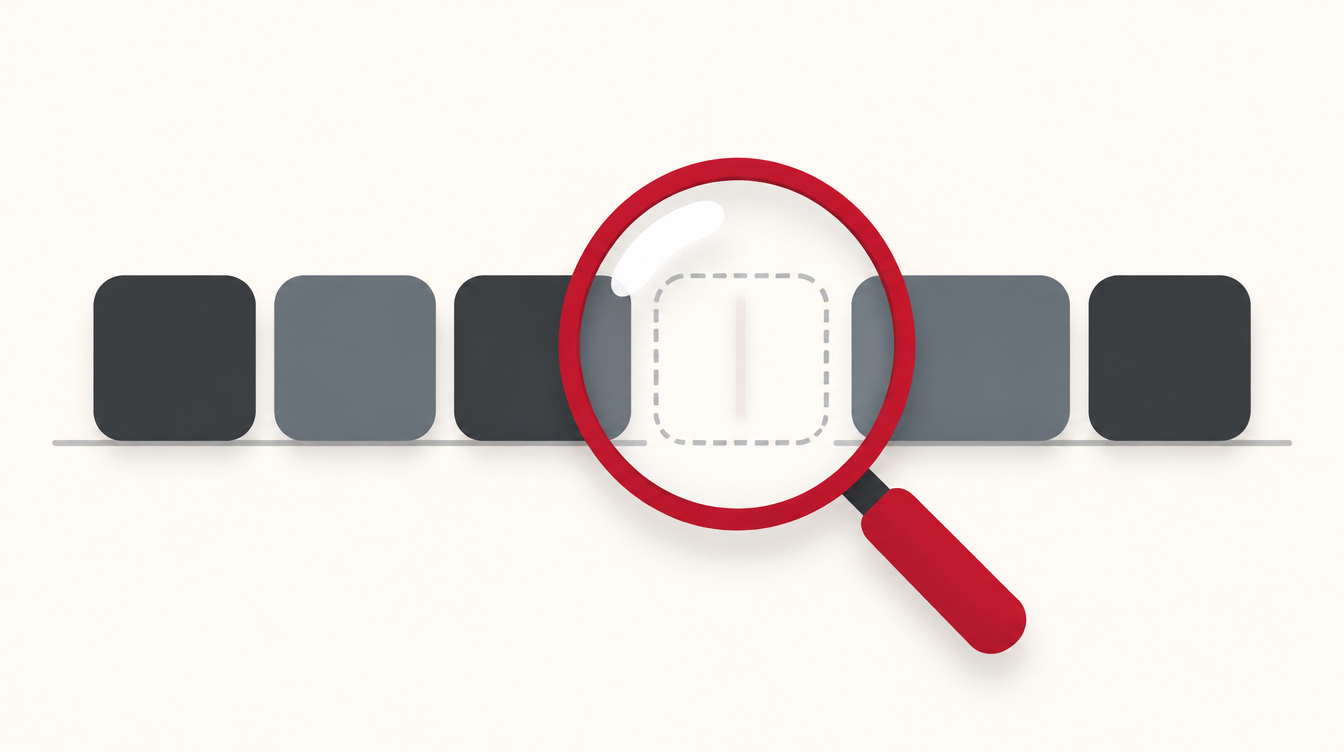
What a zero-width space is, why it breaks search and forms when it hides in copied text, and how to find, remove or copy one. With a table of look-alikes.
Short answer: A zero-width space (U+200B) is a Unicode character that takes up no width and shows nothing on screen. It marks a place where a line may break. It becomes a problem when it rides along in copied text, because the text looks normal but no longer matches what you type.
I deal with hidden characters most when I move text between tools: out of an AI chat, into our CMS, into a LinkedIn post. For a long time I cleaned it by hand. That's the job I wanted a tool to do for me, and it's why I wrote this guide.
It covers what the zero-width space is for, how it differs from other invisible characters, and how to find and remove it. If you just need to copy one, our free Invisible Character tool has it, with no sign-up.
What is a zero-width space?
A zero-width space is a non-printing character with the code point U+200B. Text systems use it to mark word boundaries without showing a visible space.
That matters most in scripts that don't put spaces between words, such as Thai, Myanmar, Khmer and Japanese. The character tells the software where a line is allowed to break. In HTML, the <wbr> element does the same job.
Is a zero-width space the same as a space?
No. A normal space has width and separates words, while a zero-width space has no width and only marks a possible break. Unicode doesn't class it as whitespace at all: it sits with the related characters that aren't whitespace, next to the word joiner and the byte order mark.
Here's how it compares with the other blank characters people mix it up with:
| Character | Code point | What it does | Whitespace? |
|---|---|---|---|
| Zero-width space | U+200B | Marks a place where a line may break. No width. | No |
| Word joiner | U+2060 | The opposite: no width, and no line break allowed there. | No |
| Byte order mark | U+FEFF | Mainly used at the start of a file to signal byte order. | No |
| No-break space | U+00A0 | Looks like a normal space, but the line can't break there. | Yes |
| Em space | U+2003 | A fixed space one em wide. | Yes |
| Hangul filler | U+3164 | Classed as a letter, but displays as blank space. | No (letter) |
| Braille pattern blank | U+2800 | A braille cell with no dots raised. | No |
Why does a zero-width space cause problems?
Because software treats it as a real character even though you can't see it. A word with a zero-width space inside it is a different string from the same word without one, so search, find-and-replace and exact-match checks can miss it.
It can also be abused. Domain name rules prohibit non-displayed characters, and most browsers block them in addresses, because they'd let a fake URL look identical to a real one.
How do you find a zero-width space in text?
Paste the text into a tool that lists code points, because you can't spot it by eye. The tester in our Invisible Character tool lists each character you paste with its code point and name.
For longer text, the AI Text Cleaner shows a table of every hidden character it found, with a count for each.
How do you remove zero-width spaces?
Run the text through the AI Text Cleaner. It always removes the zero-width space, along with the word joiner, the byte order mark and the soft hyphen, and it turns no-break spaces into normal ones.
One thing we learned building it: you can't just delete every zero-width character. Zero-width joiners hold multi-part emoji together, like a family emoji, and they change how letters join in Arabic, Persian and Indic scripts. So the cleaner looks at the characters on both sides and leaves those joiners in place. A simple find-and-replace would break them.
Despite the name, the tool doesn't use AI and doesn't change any wording.
How do you type or copy a zero-width space?
The easy way is to copy one. The Invisible Character tool has a Copy button for the zero-width space and four other blank characters. In HTML you can write it as ​ or ​.
Apps filter different characters, so paste it where you need it and check that it arrived.
FAQ
Is a zero-width space an invisible character?
Yes, it's one kind. "Invisible character" is a loose name for any character that shows nothing, and the zero-width space is the one with no width at all.
Does a zero-width space count as a character?
Yes. It has its own code point, so character counters count it even though nothing shows on screen.
What's the difference between a zero-width space and a word joiner?
They do opposite jobs. A zero-width space allows a line break at that point, and a word joiner forbids one.
Is my text stored when I use these tools?
No. The tools run on our server. We don't store what you enter.
Updated November 25, 2026.

With over 25 years of experience in the information technology industry, he is a seasoned software engineer and a certified solutions architect. Regular content contributor for the site.
Connect on LinkedIn