"Unexpected token" and 5 Other JSON Errors: What They Mean and How to Fix Them
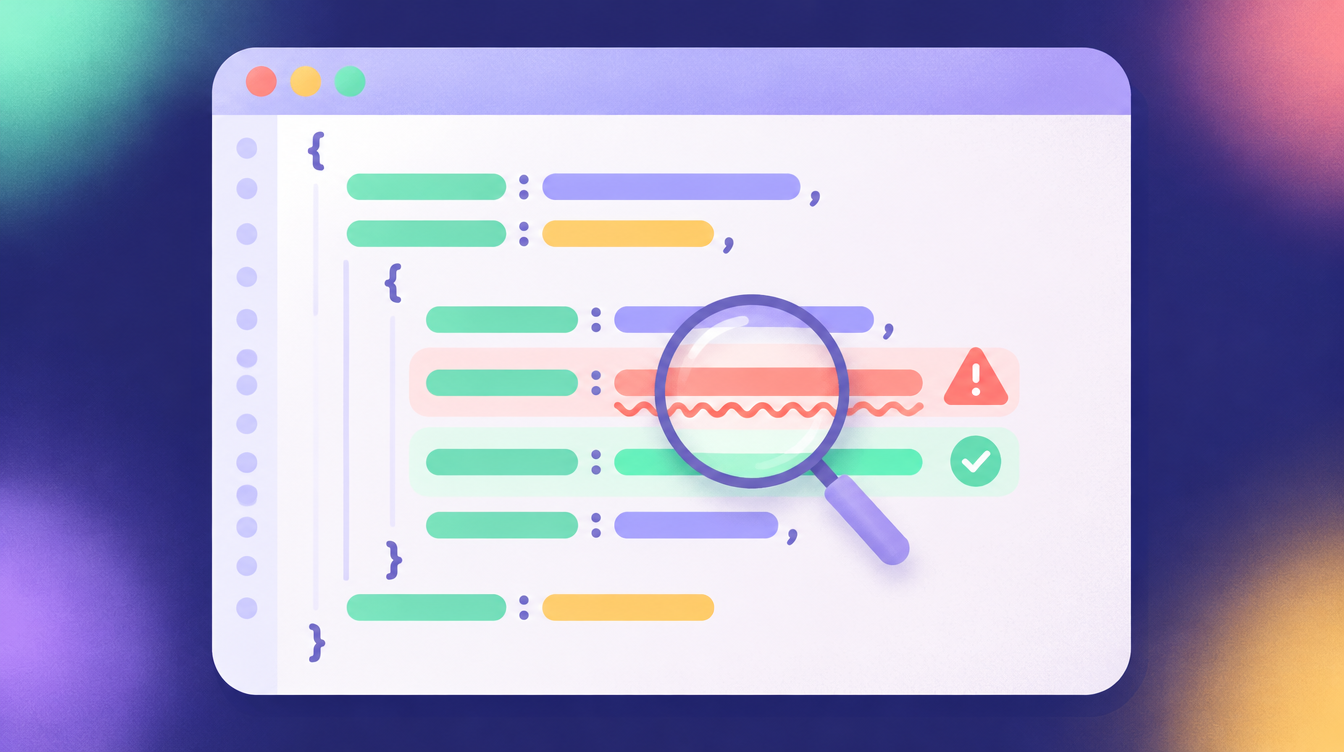
The six mistakes behind almost every JSON parse error, with the real error messages from Chrome, Node.js and Python, and a broken-vs-fixed example for each.
Short answer: "Unexpected token" means the parser hit a character that isn't allowed at that spot in JSON. In almost every case it's one of six things: a trailing comma, single quotes, an unquoted key, a comment, a value like NaN or undefined, or a raw line break or bad backslash inside a string. The error tells you the position. Go there, look one character to the left, and you'll usually find it.
Every error message on this page is real. We ran each broken example through JSON.parse in Node.js 22 (the same V8 engine as current Chrome and Edge), Node.js 18, and Python's json.loads in Python 3.13 and 3.12, on 20 November 2026. The wording changes between versions, which is why the same mistake can look like a different error depending on where you hit it.
Find the error fast
Paste the JSON into the free JSON Formatter and press Validate. It reports the line and position of the first problem it finds. Then:
Read the position, not just the message. "at position 26" means the 27th character (counting starts at 0). "line 1 column 27" is the same spot, counted from 1.
Look just before that spot. The parser fails where it notices the problem, which is often one character after the actual mistake. A trailing comma is reported at the closing
}, not at the comma.Fix one error and validate again. Parsers stop at the first problem, so a file with three mistakes shows you one at a time.
If the message says "Unexpected end of JSON input" (JavaScript) or "Expecting value: line 1 column 1 (char 0)" (Python), the input is empty or cut off. That's usually not a syntax problem in your file. It's an empty API response, a failed request, or an HTML error page you tried to parse as JSON. Log the raw response before you parse it.
1. Trailing comma
A comma after the last item in an object or array. JavaScript allows it in code, JSON doesn't.
The error message
Chrome / Node 22:
Expected double-quoted property name in JSON at position 26 (line 1 column 27)Node 18 and older browsers:
Unexpected token } in JSON at position 26Python 3.13:
Illegal trailing comma before end of object: line 1 column 26 (char 25)Python 3.12 and earlier:
Expecting property name enclosed in double quotes: line 1 column 27 (char 26)
Note the Python 3.12 message. It sounds like a quoting problem, but the cause is the comma: after a comma the parser expects another key, finds } instead, and complains about the missing key.
Broken vs fixed
// Broken
{"name": "Ana", "age": 30,}

// Fixed
{"name": "Ana", "age": 30}
2. Single quotes
JSON strings and keys must use double quotes. Single quotes usually sneak in when someone copies a Python dict or hand-writes JSON.
The error message
Chrome / Node 22:
Expected property name or '}' in JSON at position 1 (line 1 column 2)Node 18 and older browsers:
Unexpected token ' in JSON at position 1Python:
Expecting property name enclosed in double quotes: line 1 column 2 (char 1)
Broken vs fixed
// Broken
{'name': 'Ana'}

// Fixed
{"name": "Ana"}
If you got the single-quoted version by printing a Python dict, the real fix is in the code that produced it: use json.dumps(data) instead of str(data) or print(data).
3. Unquoted keys
Valid in a JavaScript object literal, invalid in JSON. Every key must be a double-quoted string.
The error message
Chrome / Node 22:
Expected property name or '}' in JSON at position 1 (line 1 column 2)Node 18 and older browsers:
Unexpected token n in JSON at position 1(the letter is the first letter of your key)Python:
Expecting property name enclosed in double quotes: line 1 column 2 (char 1)
Broken vs fixed
// Broken
{name: "Ana"}

// Fixed
{"name": "Ana"}
4. Comments in JSON
JSON has no comment syntax at all, neither // nor /* */. Config files are where this bites most, because some tools (VS Code settings, tsconfig.json) accept comments and others reading the same kind of file don't.
The error message
Chrome / Node 22:
Expected ',' or '}' after property value in JSON at position 15 (line 1 column 16)Python:
Expecting ',' delimiter: line 1 column 16 (char 15)
Broken vs fixed
// Broken
{"name": "Ana" // user
}

// Fixed
{"name": "Ana"}
If you need notes in a config file, either add a real field such as "_comment": "..." or switch to a format that allows comments (JSON5, JSONC, YAML) and make sure the program reading it supports that format.
5. NaN, undefined and Infinity
JSON only allows strings, numbers, true, false, null, objects and arrays. NaN, Infinity and undefined are not in the list.
The error message
Chrome / Node 22:
Unexpected token 'N', "{"score": NaN}" is not valid JSONChrome / Node 22 with undefined:
Unexpected token 'u', "{"score": undefined}" is not valid JSONNode 18 and older browsers:
Unexpected token N in JSON at position 10Python with undefined:
Expecting value: line 1 column 11 (char 10)Python with NaN: no error. Python's parser accepts
NaNandInfinityby default.
That last line causes real bugs. A Python service can happily write {"score": NaN} (that's what json.dumps(float("nan")) produces by default) and the JavaScript front end then fails to read it. Pass allow_nan=False to json.dumps and Python raises Out of range float values are not JSON compliant: nan instead, so you catch it at the source.
Broken vs fixed
// Broken
{"score": NaN, "bonus": undefined}

// Fixed: use null, or leave the key out
{"score": null}
In JavaScript, JSON.stringify never produces this error: it turns NaN into null and silently drops keys whose value is undefined. We checked: JSON.stringify({a: undefined, b: NaN, c: [undefined]}) returns {"b":null,"c":[null]}. So if you see NaN in a JSON file, it was written by hand or by something other than JSON.stringify.
6. Unescaped characters in strings
Two different problems end up here: a real line break (or tab) inside a string, and a backslash that isn't a valid escape.
The error message
Line break, Chrome / Node 22:
Bad control character in string literal in JSON at position 18 (line 1 column 19)Line break, Python:
Invalid control character at: line 1 column 19 (char 18)Bad backslash, Chrome / Node 22:
Bad escaped character in JSON at position 13 (line 1 column 14)Bad backslash, Python:
Invalid \escape: line 1 column 13 (char 12)
Broken vs fixed
// Broken: a real line break inside the string
{"note": "line one
line two"}

// Fixed
{"note": "line one\nline two"}

// Broken: \d is not a valid escape
{"path": "C:\data\file"}

// Fixed: double every backslash (or use forward slashes)
{"path": "C:\\data\\file"}
Watch out for the version that doesn't fail. {"path": "C:\new\file"} parses without any error in both Node and Python, because \n (new line) and \f (form feed) happen to be valid escapes. You get a 9-character string with a line break in it instead of the path you meant. If a Windows path comes out mangled, this is why.
Common pitfalls: JSON vs JSON5 vs JavaScript objects
Most of these errors come from treating three similar formats as one.
Feature | JSON | JSON5 | JavaScript object |
|---|---|---|---|
Unquoted keys | No | Yes | Yes |
Single quotes | No | Yes | Yes |
Trailing commas | No | Yes | Yes |
Comments | No | Yes | Yes |
NaN / Infinity | No | Yes | Yes |
undefined | No | No | Yes |
JSON is defined by RFC 8259 and is deliberately strict. JSON5 is a separate, looser format meant for files people edit by hand. A file named .json that only works in some tools is usually JSON5 or JSONC in disguise. JSON.parse, Python's json module and most APIs only accept strict JSON.
Preventing it
Never build JSON by gluing strings together. Create the object in code and serialise it with
JSON.stringify(JavaScript) orjson.dumps(Python). That handles quotes, escaping and line breaks for you, and rules out errors 1, 2, 3 and 6.Add
allow_nan=Falsein Python wherever JSON leaves your service, soNaNfails on your side instead of in someone else's parser.Lint JSON files in your editor and in CI. Editors such as VS Code flag invalid JSON as you type, and tools like Prettier or
jqwill fail a build on a broken file before it ships.Validate structure, not just syntax. Valid JSON can still be the wrong shape. A JSON Schema check catches a missing field or a number sent as a string.
Check the response before parsing it. When parsing an API response, check the status code and
Content-Typefirst. "Unexpected token <" almost always means you received an HTML page, often a login or error page, not JSON.
FAQ
What does "Unexpected token < in JSON at position 0" mean?
The first character of what you tried to parse is <, so you got HTML instead of JSON. Typical causes: a wrong URL returning a 404 page, an expired session redirecting to a login page, or a server error page. Log the raw response text to see it.
Why does the same JSON fail in JavaScript but work in Python?
Usually because of NaN or Infinity, which Python's parser accepts by default and JavaScript's rejects. Python is the lenient one here, and the JSON standard sides with JavaScript.
Why is the error position one character after my mistake?
The parser reports where it realised something was wrong. With a trailing comma, that's the closing bracket. With a missing comma, that's the start of the next key. Always check the character just before the reported position.
Is the JSON Formatter safe for API keys or customer data?
The tool processes your JSON on our server to validate and format it. Remove secrets and personal data before pasting into any online tool, ours included.
Error messages tested on Node.js 22.23, Node.js 18, Python 3.13.18 and Python 3.12.3. Updated November 19, 2026.

Software Engineer at Fidelis Soft, developer of the tools, and content contributor.
Connect on LinkedIn